Documents disclosed to you
Download what the firm has disclosed to you.
When the firm discloses its client's documents to you, you'll get an email, and they appear under Disclosed to you on your disclosure page, grouped by the date they were disclosed.
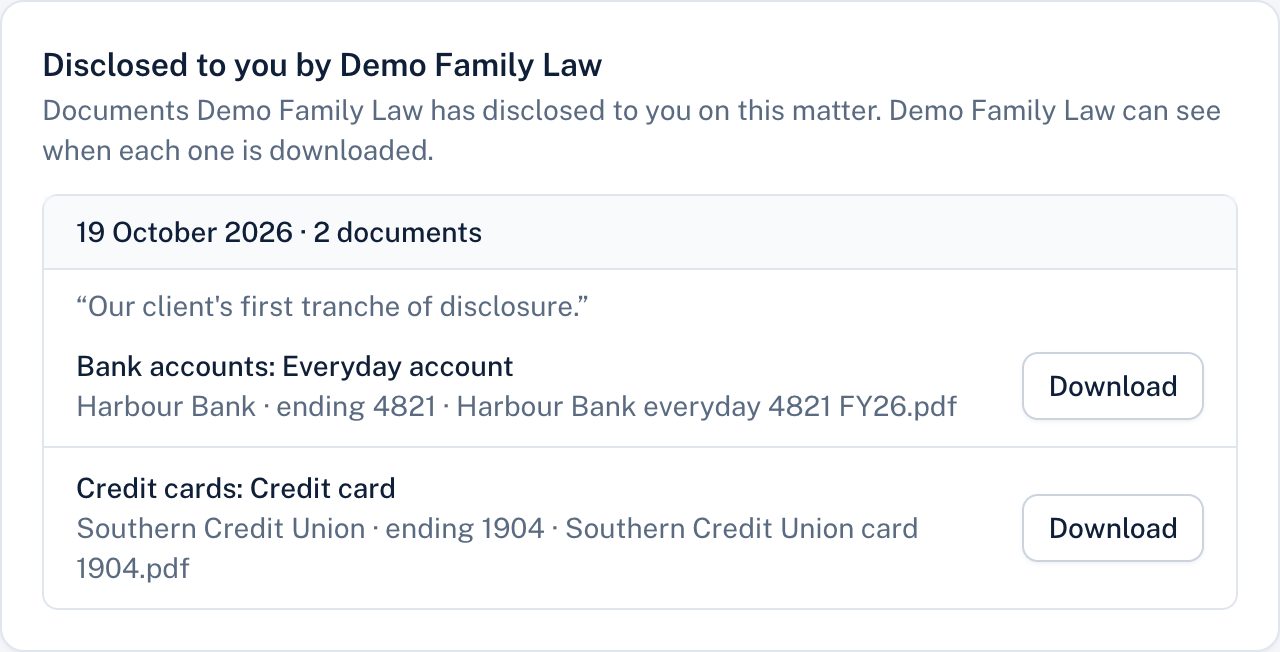
Choose Download beside any document. The firm can see when each document is downloaded.
You only ever see what the firm has chosen to disclose to you.
If the firm withdraws a document (for example, disclosed by mistake), it disappears from your page and can no longer be downloaded. If you'd already downloaded it, the firm may ask you to delete your copy.
Still stuck? Contact the law firm that invited you; their details are at the foot of your page.