Adding and sending documents
Choose a document type, add details and files, send.
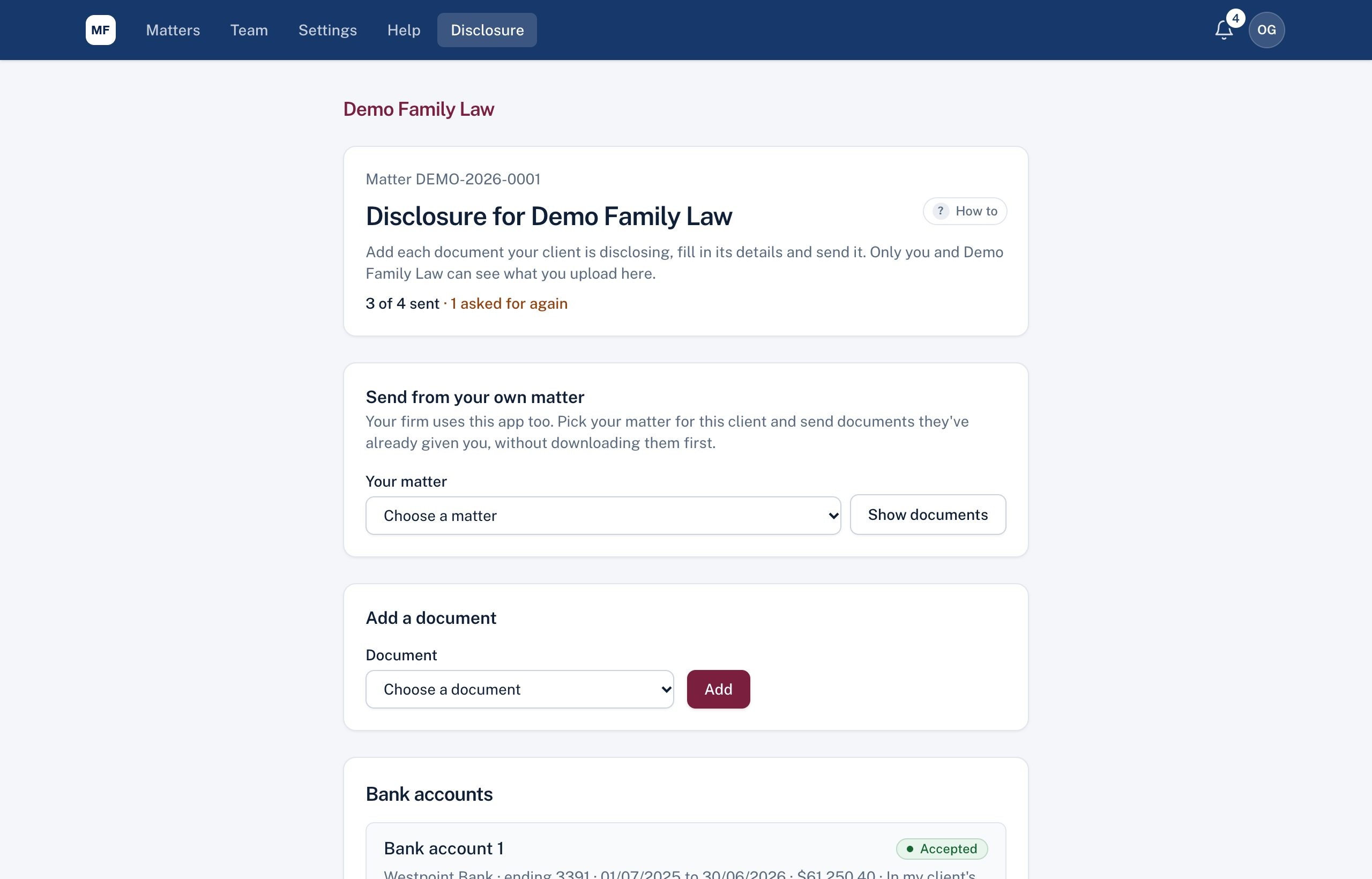
- Under Add a document, choose the type (for example Bank accounts), or Other (name it), and choose Add.
- Fill in the details: provider, last 4 digits, dates, whose name it's in (for example In my client's name only) and the value. Choose Save details.
- Add the files (PDF, photos, Word or Excel, up to 25 MB each).
- Choose Send ... to the firm.
At the top you'll see how many are sent, and how many the firm has asked for again. Once sent, files can't be removed.
Still stuck? Contact the law firm that invited you; their details are at the foot of your page.