Checking figures against the document
Open a line to see its document beside its figures.
Select any line with a document to open it in a panel beside the balance sheet.
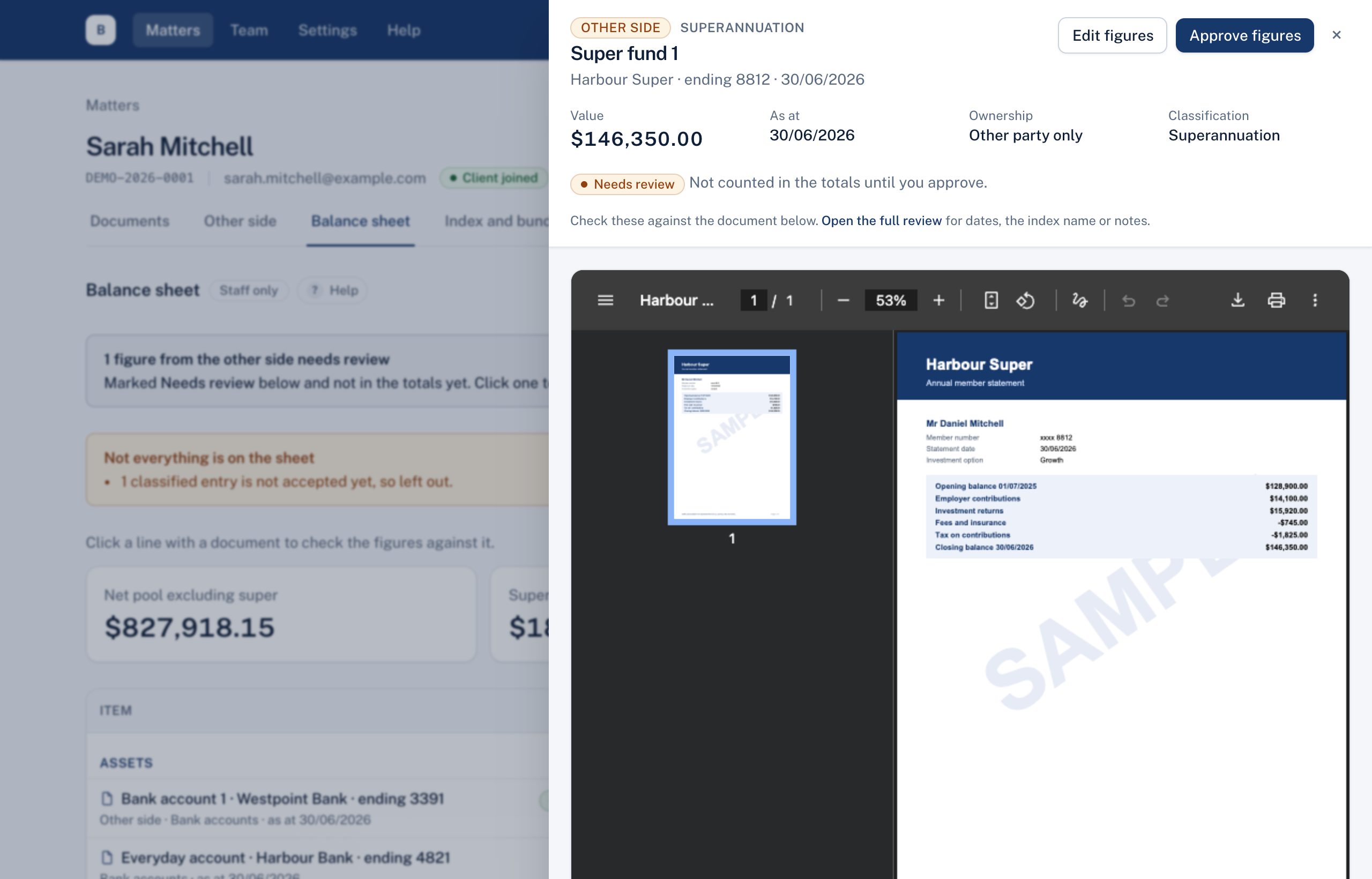
- The document is shown with its figures: value, as at date, ownership and classification.
- Edit figures to correct them.
- For the other side's lines, Approve figures to count them.
- Close the panel with ✕ or Escape.
Didn't answer your question? Ask our team.