Inviting the other side's lawyer
Let the other party's lawyer upload their disclosure directly.
On the matter's Other side tab, under Invite them, enter the lawyer's name, law firm and email, then Invite to upload.
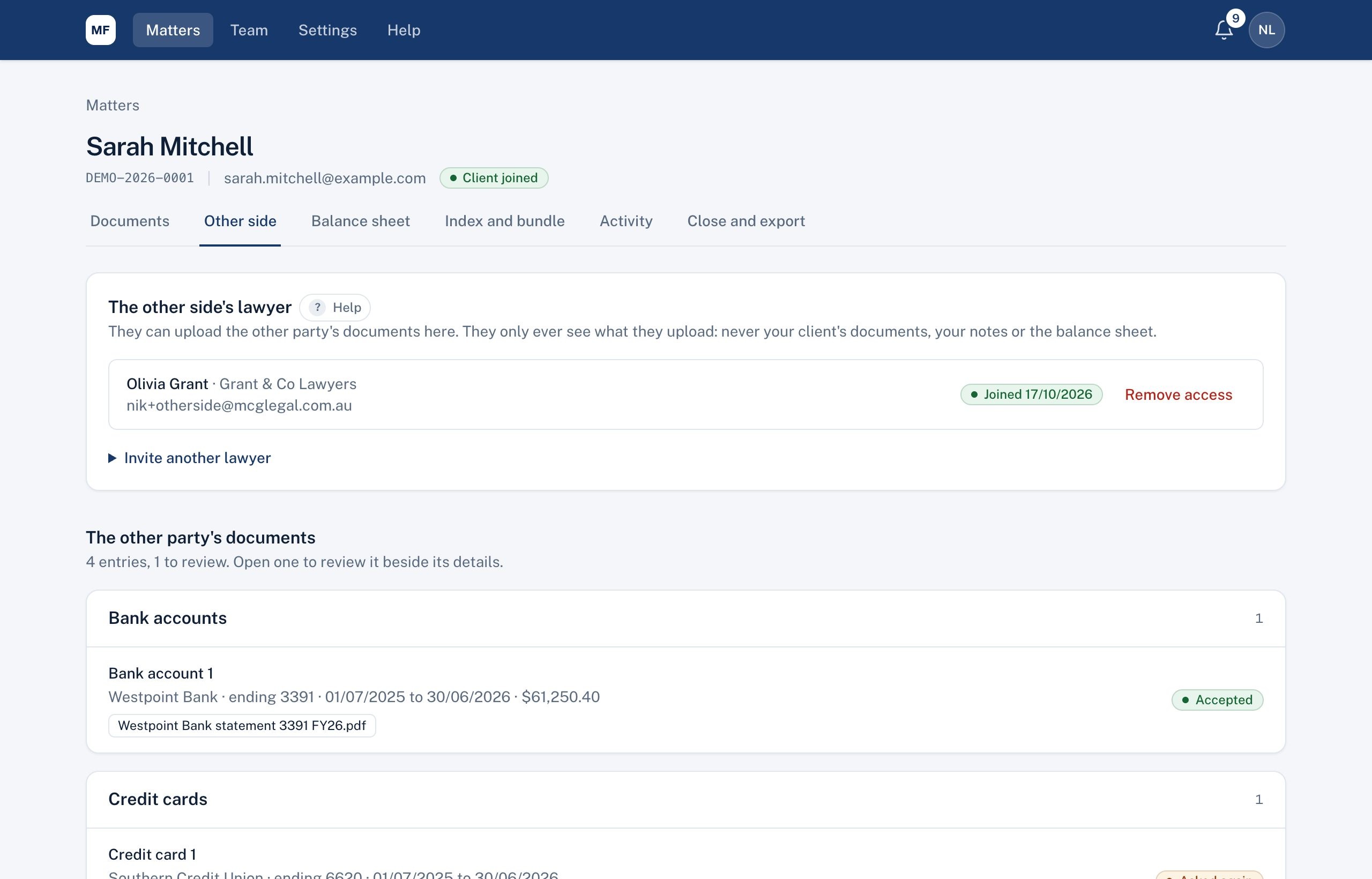
- They get an email, create an account with that address, and see a page called Disclosure for your firm.
- They see what they upload, and only what you disclose to them (see Disclosing your client's documents to the other side). Never your client's other documents, your notes or your balance sheet.
- Their status shows Invited until they join. Remove access at any time.
Documents they sent another way
If the other side emails or posts documents, add them yourself under Add a document from the other side. They go into review like any other.
Reviewing their documents
Their entries are listed on the Other side tab. Review them on the same screen as your client's: approve, ask for a new copy, or mark not needed. Until you approve them, their figures show on the balance sheet as Needs review and aren't counted.
Didn't answer your question? Ask our team.