Setting up your firm (firm admins)
The setup checklist on your Home page, step by step.
When your firm is new, firm admins see Get your firm set up at the top of the Home page. Each step ticks itself off once it's done.
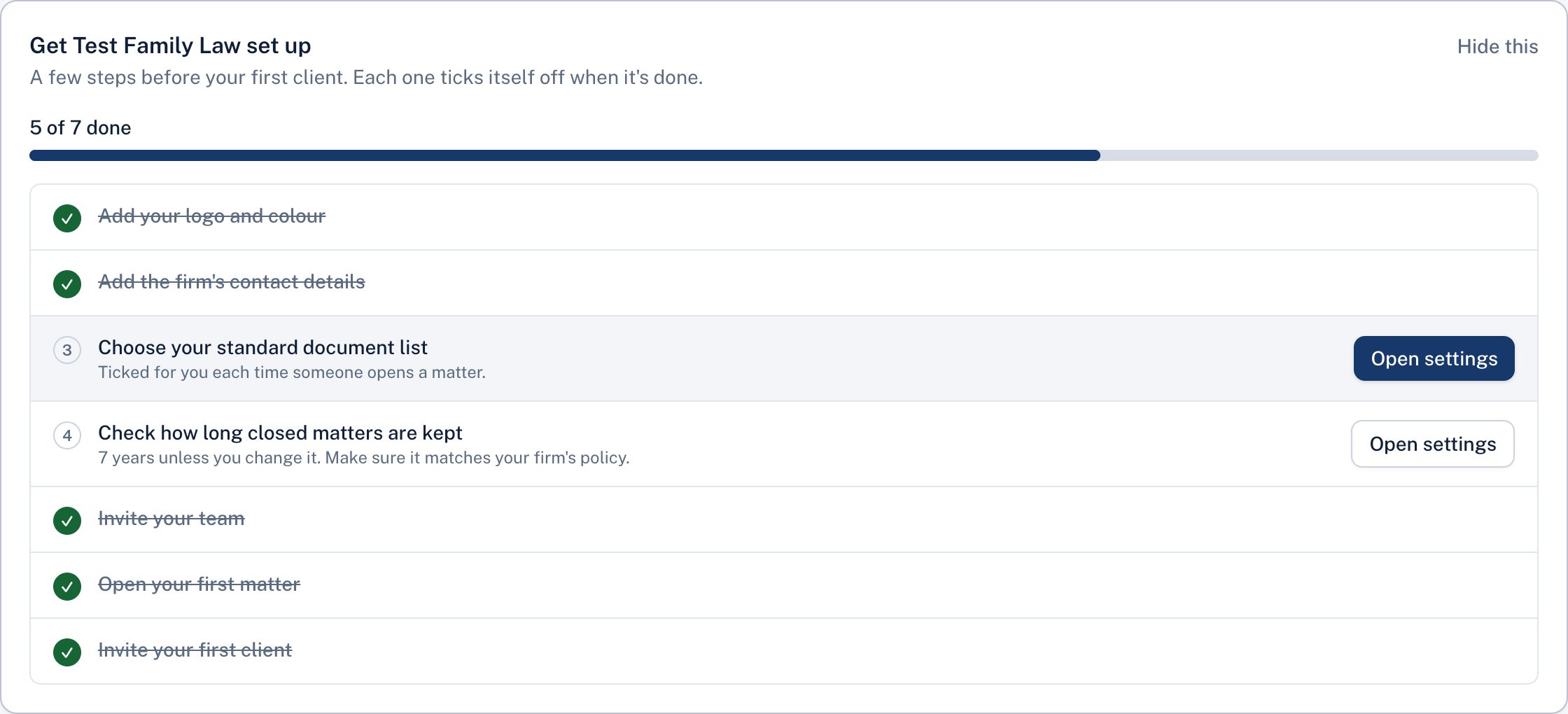
- Add your logo and colour. Your clients see them on their pages and in every email.
- Add the firm's contact details. Shown to clients so they know who to call.
- Choose your standard document list. These are ticked for you each time someone opens a matter.
- Check how long closed matters are kept. Seven years unless you change it.
- Invite your team.
- Open your first matter.
- Invite your first client.
The checklist disappears once everything is done. You can also choose Hide this.
Didn't answer your question? Ask our team.