Opening a matter
Add the client, choose the documents and dates, and invite them.
Go to Matters and choose New matter.
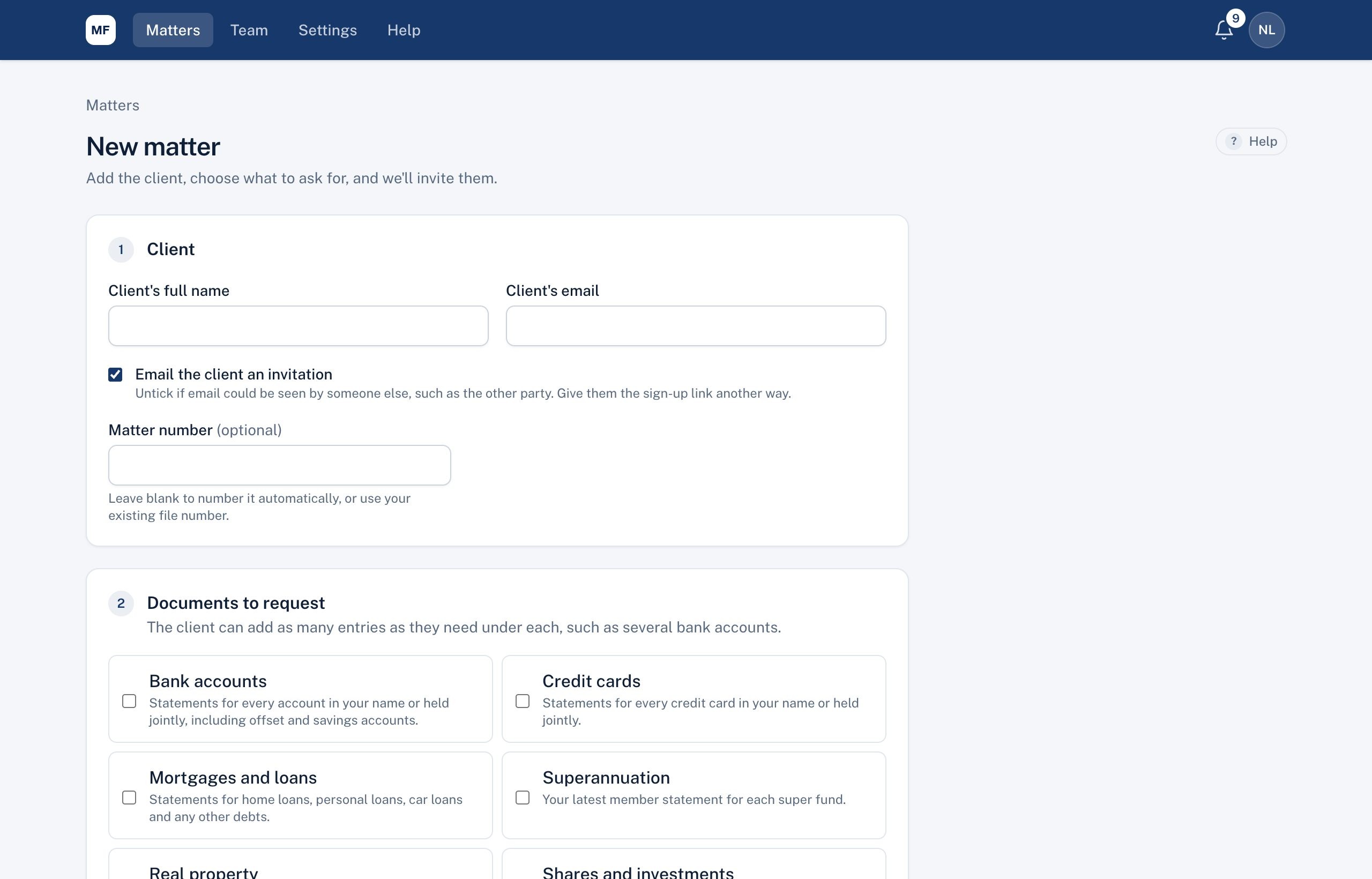
- Client: their full name and email address.
- Email the client an invitation: leave ticked to email them now. Untick it if the email address could be seen by someone else (for example the other party); you can give them the sign-up link another way.
- Matter number: leave blank and we number it for you (for example ABC-2026-0001), or enter your own file number.
- Documents to request: your firm's standard list is ticked already. Tick or untick, and add any custom documents with + Add another document.
- Due date and statement period (for statements such as bank, credit card and loan accounts).
- Choose Open matter.
Your client gets an email asking them to create an account with that address. Once they do, the matter shows Client joined.
Note: If your firm's free trial has ended, or the account is on hold, new matters can't be opened until a plan starts. Existing matters keep working.
Didn't answer your question? Ask our team.