Settings and branding (firm admins)
Your logo, colour, contact details and defaults.
Go to Settings.
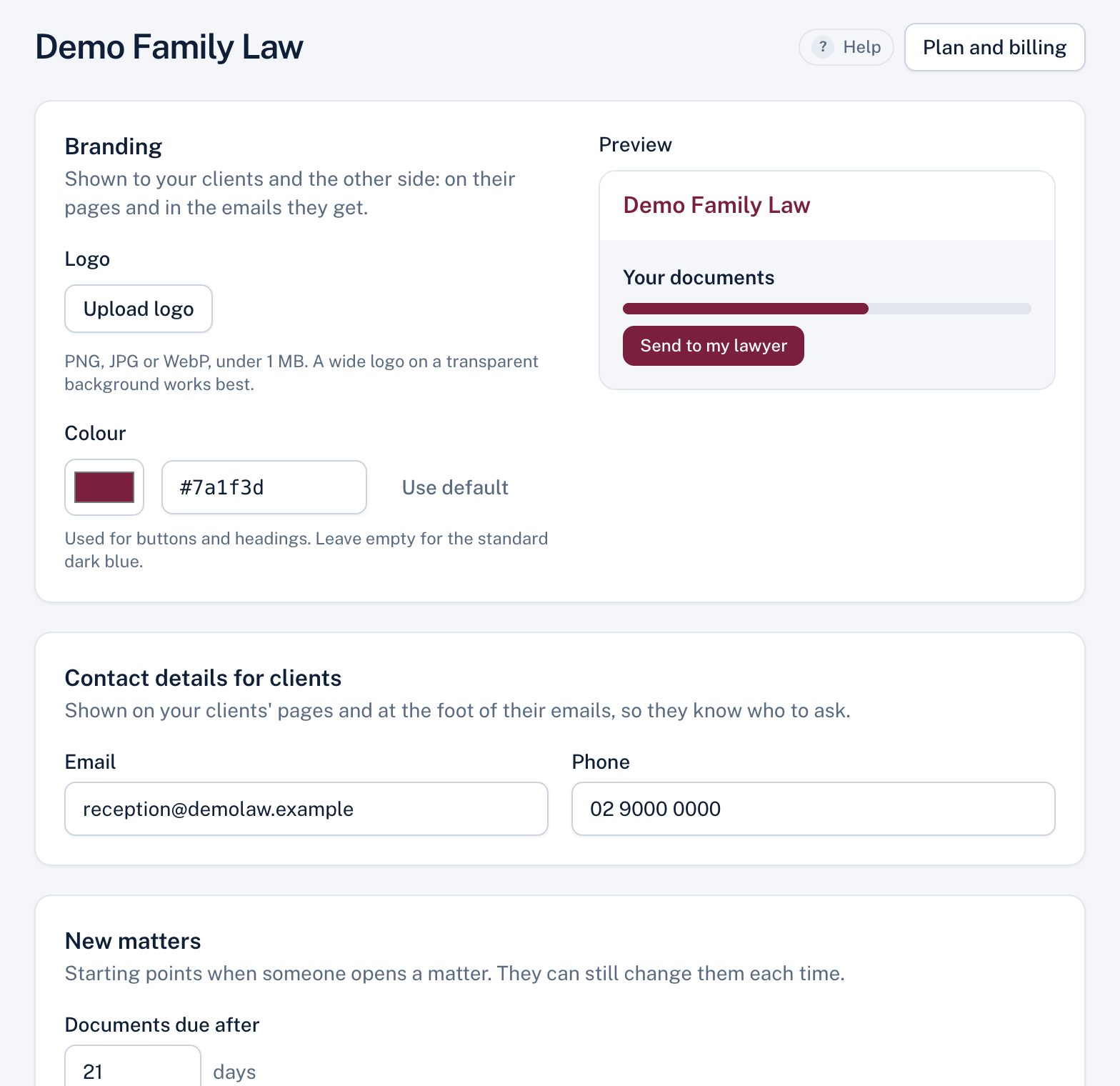
| Setting | What it does |
|---|---|
| Logo | Shown to your clients and the other side, and in emails. PNG, JPG or WebP up to 1 MB; a wide logo on a transparent background works best. |
| Colour | Buttons and headings on your clients' pages, and emails. Very light colours aren't allowed so text stays readable. |
| Contact email and phone | Shown at the foot of your clients' pages and emails. |
| Documents due after | The default due date for new matters (in days). |
| Documents ticked by default | Your standard document list for new matters. |
| Delete closed matters after | Your retention period, in years (7 is common). |
| The other side's lawyers | Whether they see a small offer to try Matter Folio for their own firm. |
The preview beside the form shows what your clients will see. Choose Save settings.
Didn't answer your question? Ask our team.